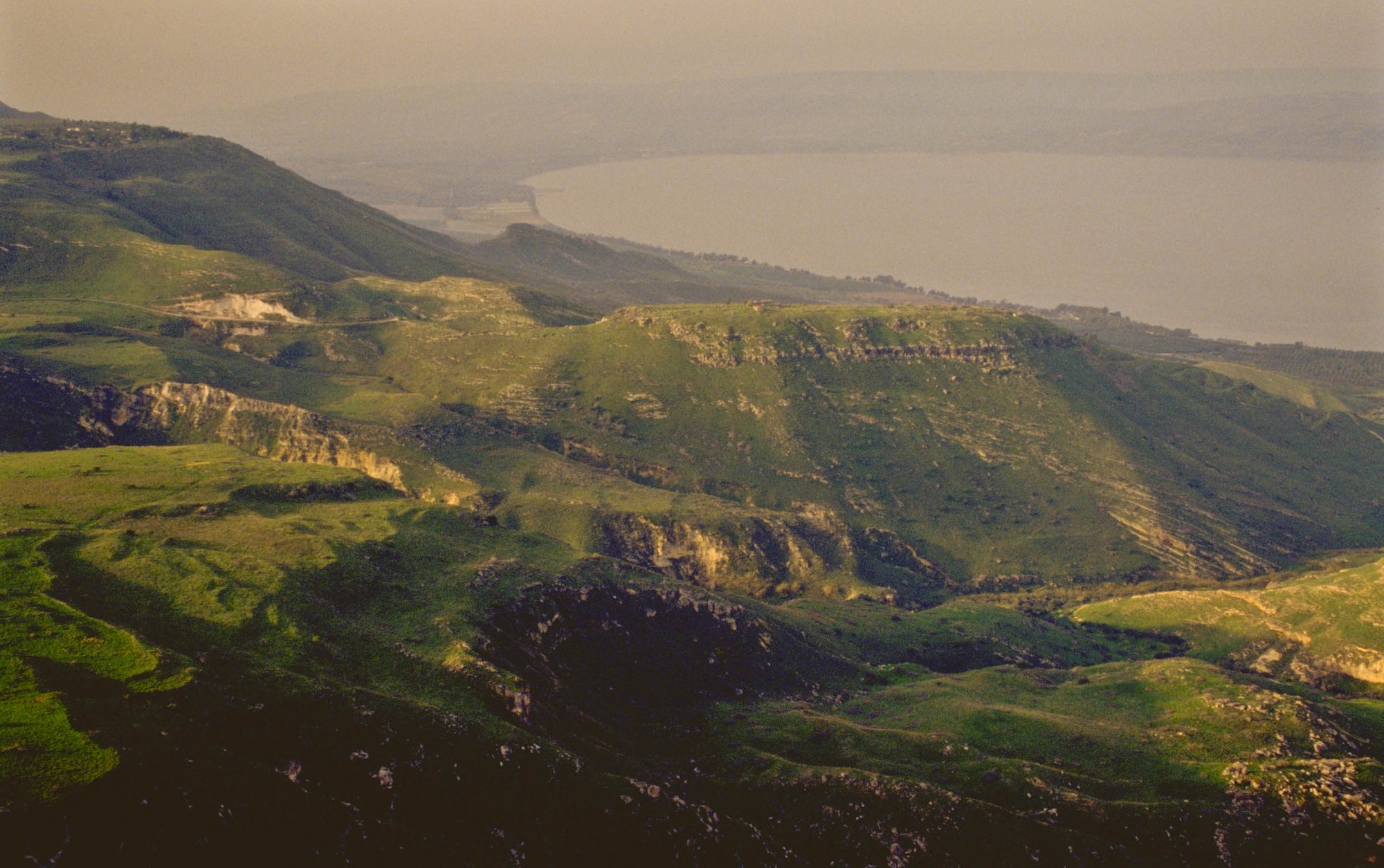
Bible photos vs stock images for church — why the place has to be real
Stock sunsets and generic deserts don’t teach Scripture. See why real bible photos (BiblePlaces-quality sites and artifacts) help churches teach clearly — and how to start in BibleSlides.
Church media libraries are full of beautiful stock: foggy forests, dramatic deserts, hands holding Bibles in soft light. Those images set a mood. They rarely teach a text.
Bible photos — pictures of actual biblical sites, artifacts, and cultural scenes — do a different job. They answer: Where are we in the story?
If you could swap the photo into a travel brochure for Arizona and nobody would notice, it isn’t teaching the passage.
Stock images optimize for feeling. Bible photos optimize for truthfulness.
| Need in the sermon | Stock pack | Bible photos |
|---|---|---|
| Emotional opener | Often excellent | Optional |
| “This is Capernaum’s setting” | Usually wrong place | Site-accurate |
| Artifact / inscription context | Almost never | Common in serious archives |
| Kids’ mental map of Israel | Confused | Anchored |
| Credibility with careful listeners | Decorative | Substantive |
Mood still has a place (series title slides, invitation moments). Mid-exposition, prefer the real place.
What “real” looks like for church teachers
The bar set by resources like BiblePlaces.com (Todd Bolen’s Pictorial Library and Photo Companion to the Bible) is:
- Photographs from the lands of the Bible and related Mediterranean / Near Eastern sites
- Coverage of cities, regions, plants, cultural practices, and archaeology tied to the text
- Captions and selection driven by people who teach biblical geography — not keyword-tagged stock
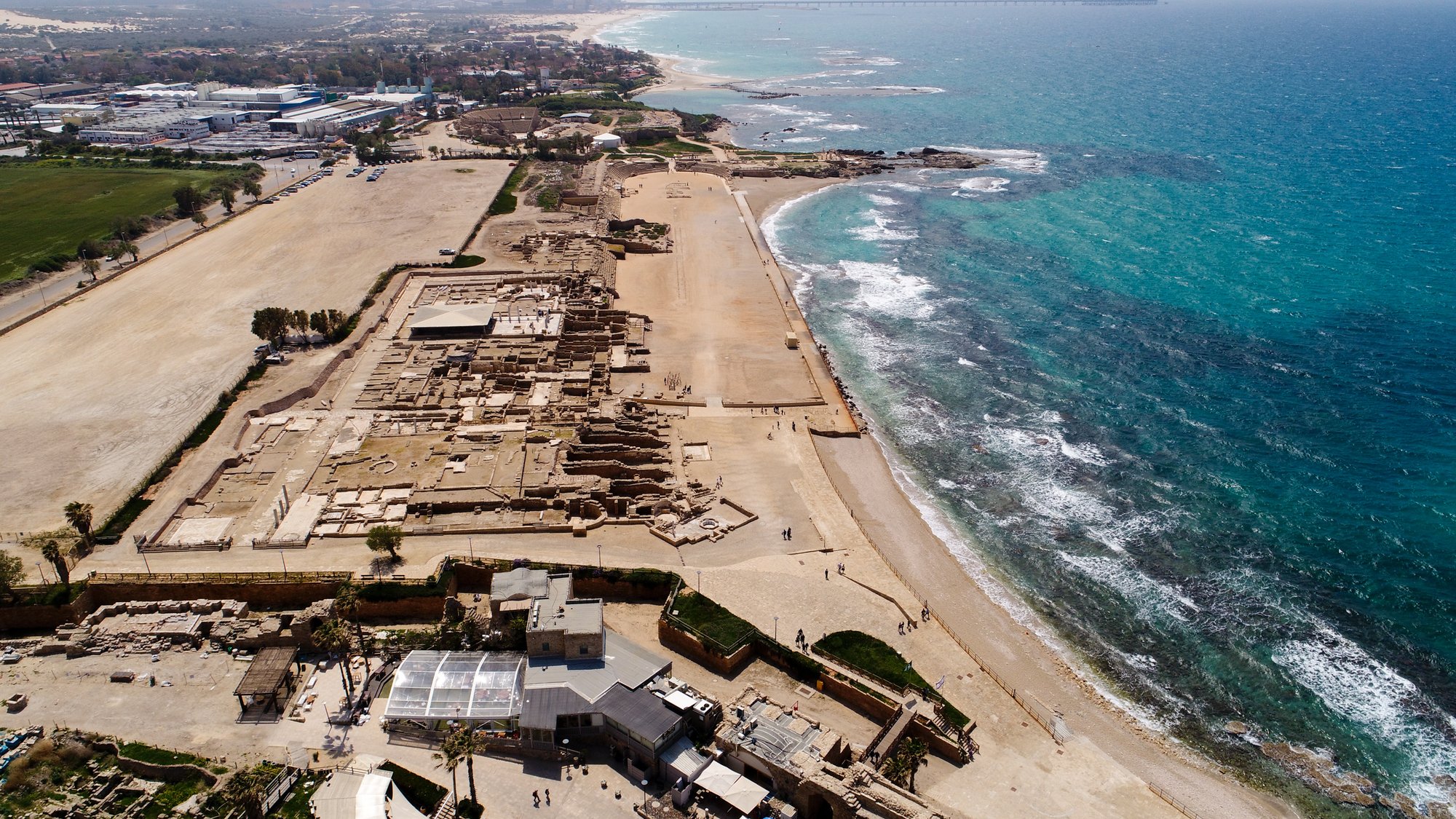
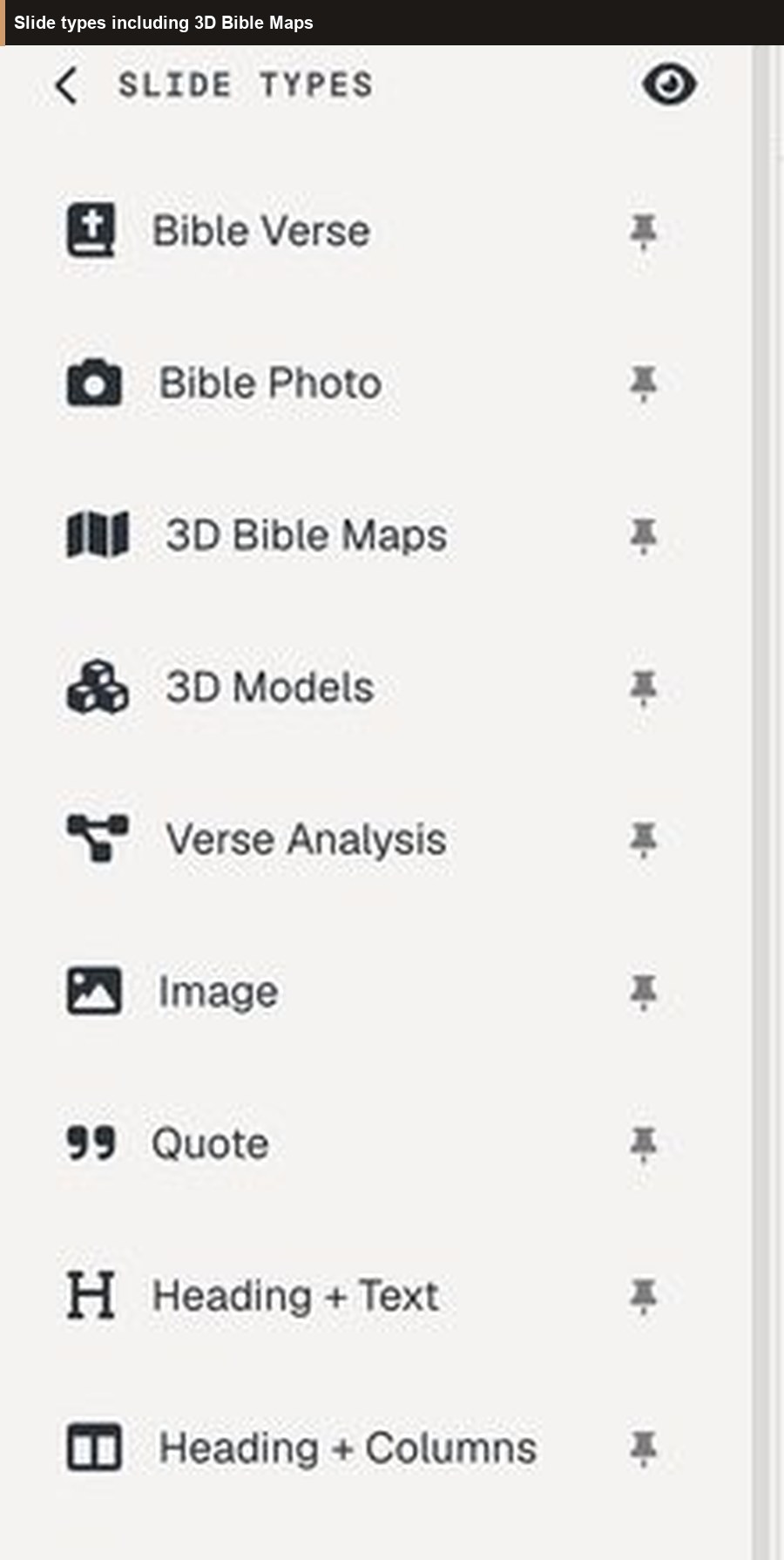
BibleSlides premium includes 60,000+ BiblePlaces photos as Bible Photo slides: search by verse or keyword, insert beside your Scripture slides, keep notes in the same document.
A quick audit for next Sunday’s deck
Ask of every image:
- Does this photo depict the place or object the text assumes? If no, cut it or move it to the series graphic.
- Could a first-time guest learn geography from this? If it’s only ambient, save it for the pre-service loop.
- Will I name it when I advance? If you won’t say what it is, the room treats it as wallpaper.
How churches mix both without apology
- Stock / designed graphics → series identity, countdown, worship lower-thirds (often in ProPresenter)
- Bible photos → sermon teaching block in BibleSlides next to verse slides and maps
That split keeps production pretty and teaching honest. See also BibleSlides and ProPresenter.
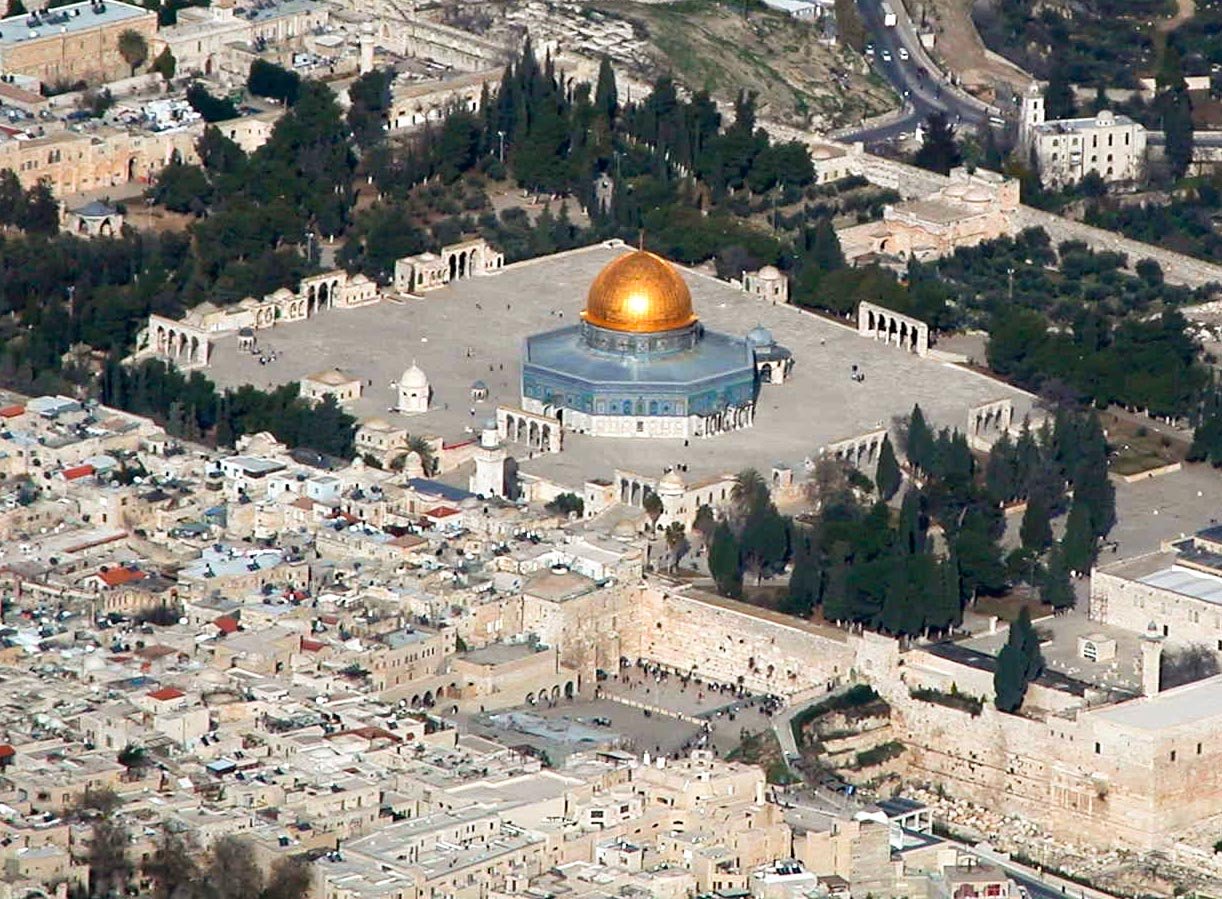
Join BibleSlides — teach with photos that belong to the text
If your team is tired of “pretty but placeless” sermon slides, start a BibleSlides project and insert a Bible Photo on this week’s passage. Search the site or the verse. Put one clear image where the geography matters. Present from the same cloud deck on Sunday.
Create your free account and open Projects →
Premium unlocks the BiblePlaces photo library (with trial access to premium slide types). Free plans still let you build verse-centered teaching decks and see the workflow.
Explore the source tradition at BiblePlaces.com. Build the Sunday teaching surface in BibleSlides.
Related guides
More for church teams
Articles, templates, and guides for Bible teaching and presentation.
Back to Resources