BibleSlides and ProPresenter — worship software + teaching software
ProPresenter runs the service: lyrics, media, multi-screen production. BibleSlides runs the sermon: verse slides, annotations, maps, and tablet notes. Why churches keep both instead of forcing Scripture teaching into lyric software.
ProPresenter is excellent church presentation software for the service — song lyrics, motion backgrounds, multi-screen outputs, stage displays, and volunteer-friendly booth control. BibleSlides is presentation software for the sermon — verse-by-verse Scripture, timed teaching markup, maps, and notes that stay attached to the deck.
They are not substitutes. They are adjacent jobs on Sunday morning.
Keep ProPresenter for worship production. Use BibleSlides when the job shifts from singing the next line to teaching the next verse.
What ProPresenter owns (and should keep owning)
Renewed Vision’s ProPresenter is built for live production:
- Lyric slides, CCLI / MultiTracks-style worship workflows
- Layers, media, transitions, and multi-output stage/lobby/broadcast feeds
- Operator-centric show control for media volunteers
- Quick Scripture lookup when someone calls a verse mid-service
That stack is why so many churches standardized on it for the whole weekend visual system.
Where teaching outgrows lyric software
When pastors prep a teaching message, they need something ProPresenter was never optimized for:
- A manuscript and slides in one document that can’t drift apart
- Stepped annotations on a passage (not freehand ink mid-point)
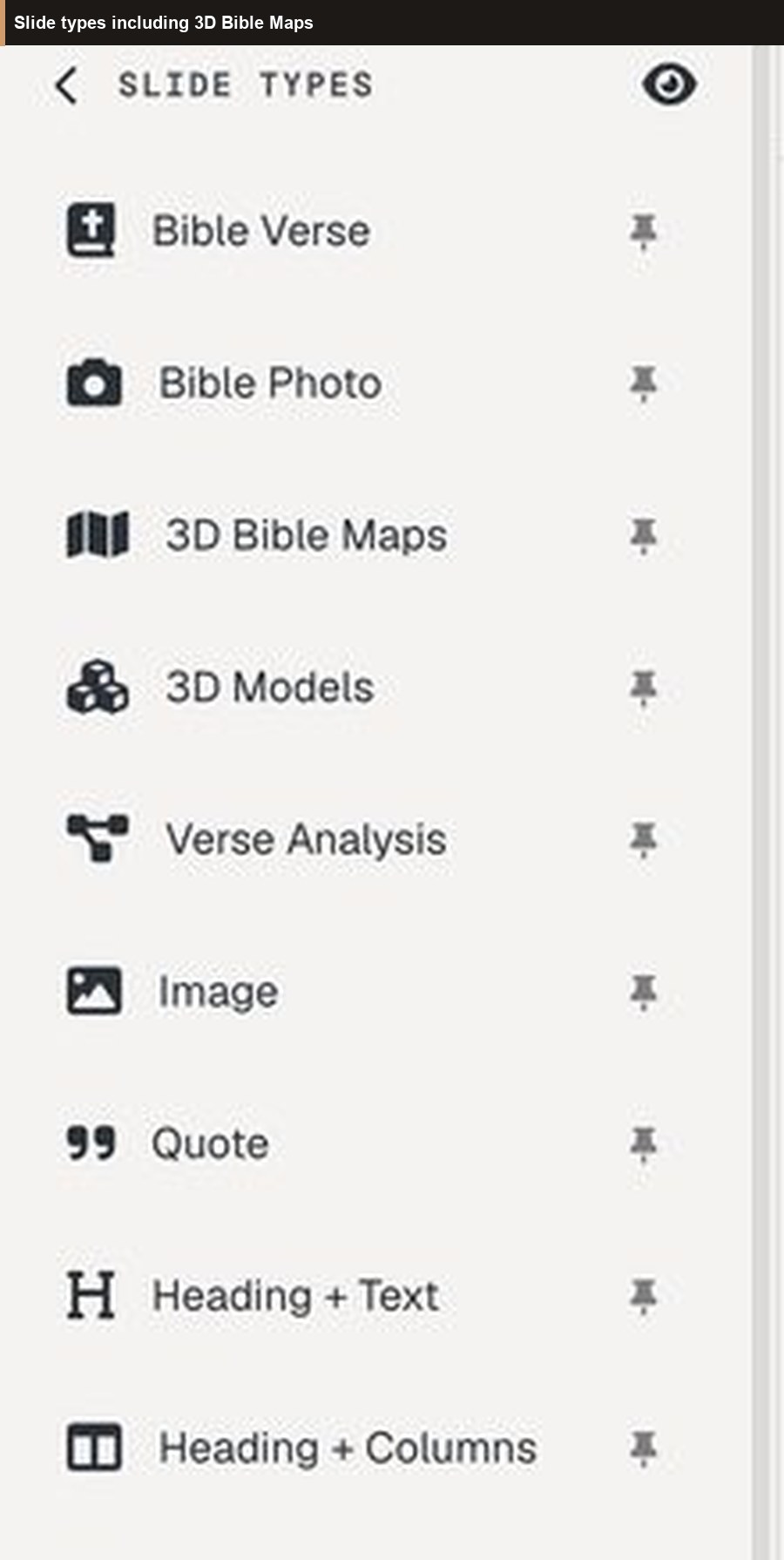
- Journey maps, 3D models, Verse Analysis, definition callouts
- A tablet presenter with interleaved notes as the control surface
- Optional QR follow-along so phones track the teaching deck
Forcing that into a worship show file usually means rebuilding sermon content as generic text slides — then maintaining a second copy of the outline in Word.
How churches run both on Sunday
A common, clean split:
| Segment | Software | Operator |
|---|---|---|
| Pre-service / announcements | ProPresenter | Media booth |
| Worship set | ProPresenter | Media booth |
| Sermon / teaching | BibleSlides | Pastor tablet (+ booth can still drive house output) |
| Closing song / dismiss | ProPresenter | Media booth |
The booth laptop can open the BibleSlides cloud project for house output while the pastor advances from the tablet presenter. Or the pastor AirPlays/HDMIs from the tablet. Either way, lyrics stay in ProPresenter; teaching stays in BibleSlides.
Complement, not competition
| Need | ProPresenter | BibleSlides |
|---|---|---|
| Song lyrics & worship media | Primary | Not the job |
| Multi-screen production / SDI / stage screens | Primary | Focused teaching output |
| Verse-by-verse teaching with annotation steps | Possible as text slides | Built for this |
| Notes synced to slide order | Separate document | Same document |
| 3D Bible maps / BiblePlaces photos in-deck | Import media manually | Native teaching slide types |
| Church teaching publish hub | Different product family | Native church publishing |
FAQ for media directors
Do we rip out ProPresenter?
No. Keep the tool your volunteers already know for worship.
Won’t two apps confuse Sunday?
Two apps for two jobs is clearer than one overloaded show file. Train a simple cue: “When the sermon starts, we’re on BibleSlides.”
Can we still put a verse on screen from ProPresenter if the pastor goes off-script?
Yes — keep that as a booth safety net. Planned teaching visuals still belong in the BibleSlides project you rehearsed.
Related guides
More for church teams
Articles, templates, and guides for Bible teaching and presentation.
Back to Resources