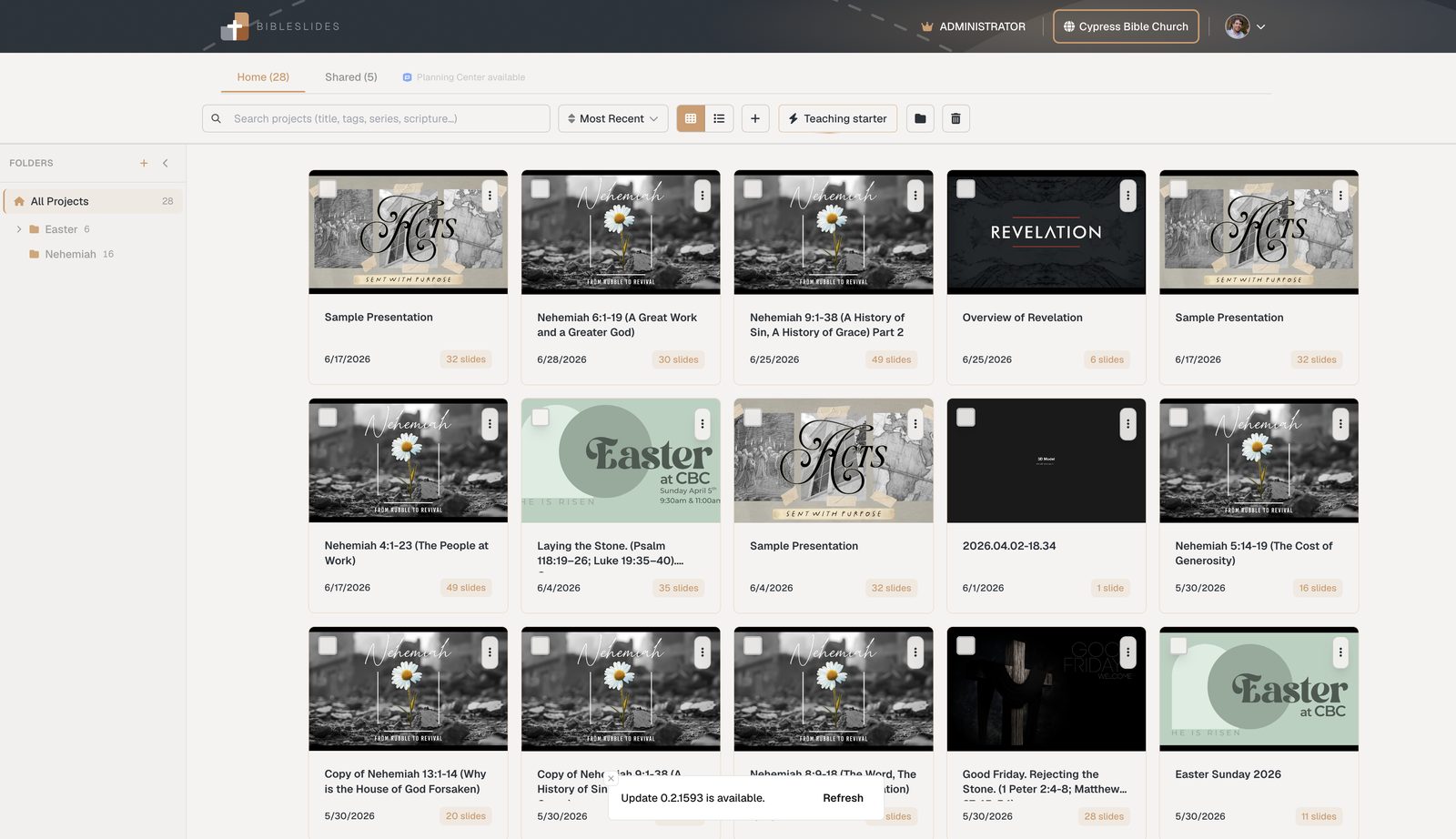
Teaching starter: build a Sunday sermon deck from a passage
Skip the blank PowerPoint. BibleSlides Teaching starter builds a Sunday-ready deck from your passage — opening/series graphic, verse slides, outline points, and closing presets — so pastors start teaching prep instead of slide scaffolding.
The blank deck is a tax. You know the passage. You roughly know the points. Then you spend forty minutes making a title slide, pasting verses, and building outline bullets before you’ve written a sentence of the sermon.
Teaching starter (Prepare for Sunday) is BibleSlides’ wizard that turns a passage into a Sunday-ready teaching deck — opening or series graphic, Bible Verse slides for the text, outline point slides, and closing presets — in one pass.
Sermon prep software should start you in the text, not in the slide master.
What Teaching starter builds
From a passage reference and a few choices, the wizard can assemble:
- Opening / series graphic — stand-alone or series image so the room knows which series they’re in
- Bible Verse slides — the passage expanded into teachable verse slides (translation of your choice via API.Bible)
- Outline point slides — one slide per point you’re going to walk
- Closing presets — consistent end slides you reuse week to week
- Optional custom build order — rearrange how those pieces land in the document before you commit
Campus churches can also seed from a Planning Center plan so the deck is already linked to the service you’re preparing.
Problems it removes from Monday–Saturday
| Prep friction | With Teaching starter |
|---|---|
| Blank PPT theme fight | Theme applied as the deck is created |
| Copy-paste every verse | Verse slides generated from the passage |
| Rebuild series title every week | Opening / series selection remembered in your flow |
| Outline in Word, bullets in PPT | Outline points become slides in the same document |
| “Which file is Sunday?” | Cloud project from the first click |
You still write the sermon. You skip the scaffolding that used to happen before writing.
How pastors usually run the wizard
- From Projects, open Teaching starter
- Enter the passage and preferred translation
- Set title, series/opening, and outline points
- Pick closing presets you use every week (benediction, next-week teaser, etc.)
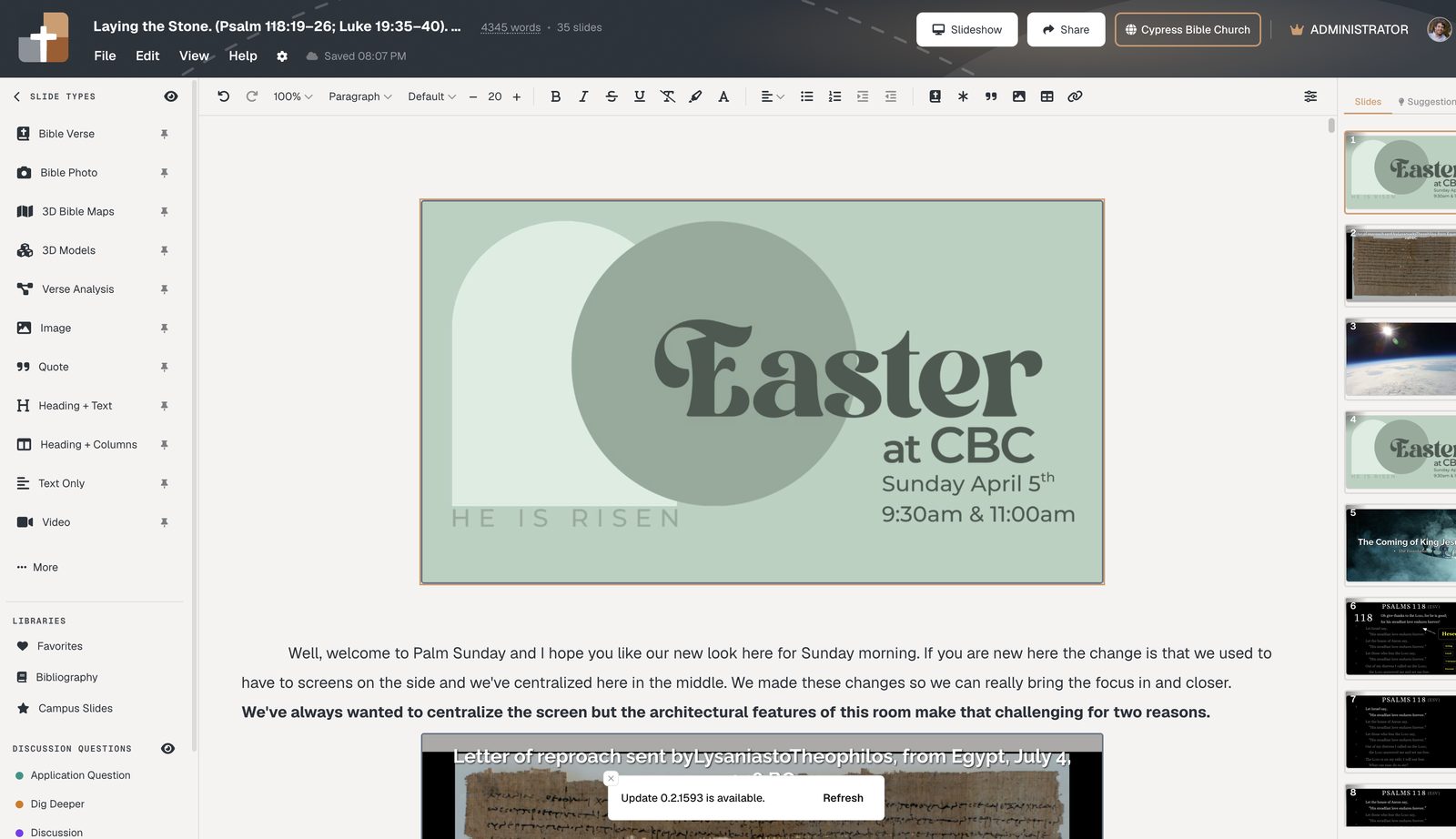
- Confirm build order → land in the editor with notes space under each slide
- Deepen: add annotations, Verse Analysis, maps, or BiblePlaces photos where the text needs them
After the wizard: teach, don’t rebuild
The output is a normal BibleSlides document — reorder sections, insert a 3D map for a journey text, add definition slides for a key lemma, rehearse in practice mode, present from the tablet. Nothing about Teaching starter locks you into a template you can’t edit.
When the message is ready for members, the same project can feed church publishing.
Who Teaching starter is for
- Solo pastors who prep late and can’t afford a blank-deck ritual
- Teaching teams that want consistent openings/closings across speakers
- Churches on Planning Center that want the deck born already attached to the plan
FAQ
Does Teaching starter write the sermon for me?
No. It builds the slide scaffold and verse slides so your writing time goes to the message.
Can I change the order after creation?
Yes. It’s a normal project — drag sections, delete slides, insert more.
Is this the same as importing a PowerPoint?
No. You’re creating native BibleSlides verse and outline slides, not converting a .pptx that will drift from your notes.
Related guides
More for church teams
Articles, templates, and guides for Bible teaching and presentation.
Back to Resources