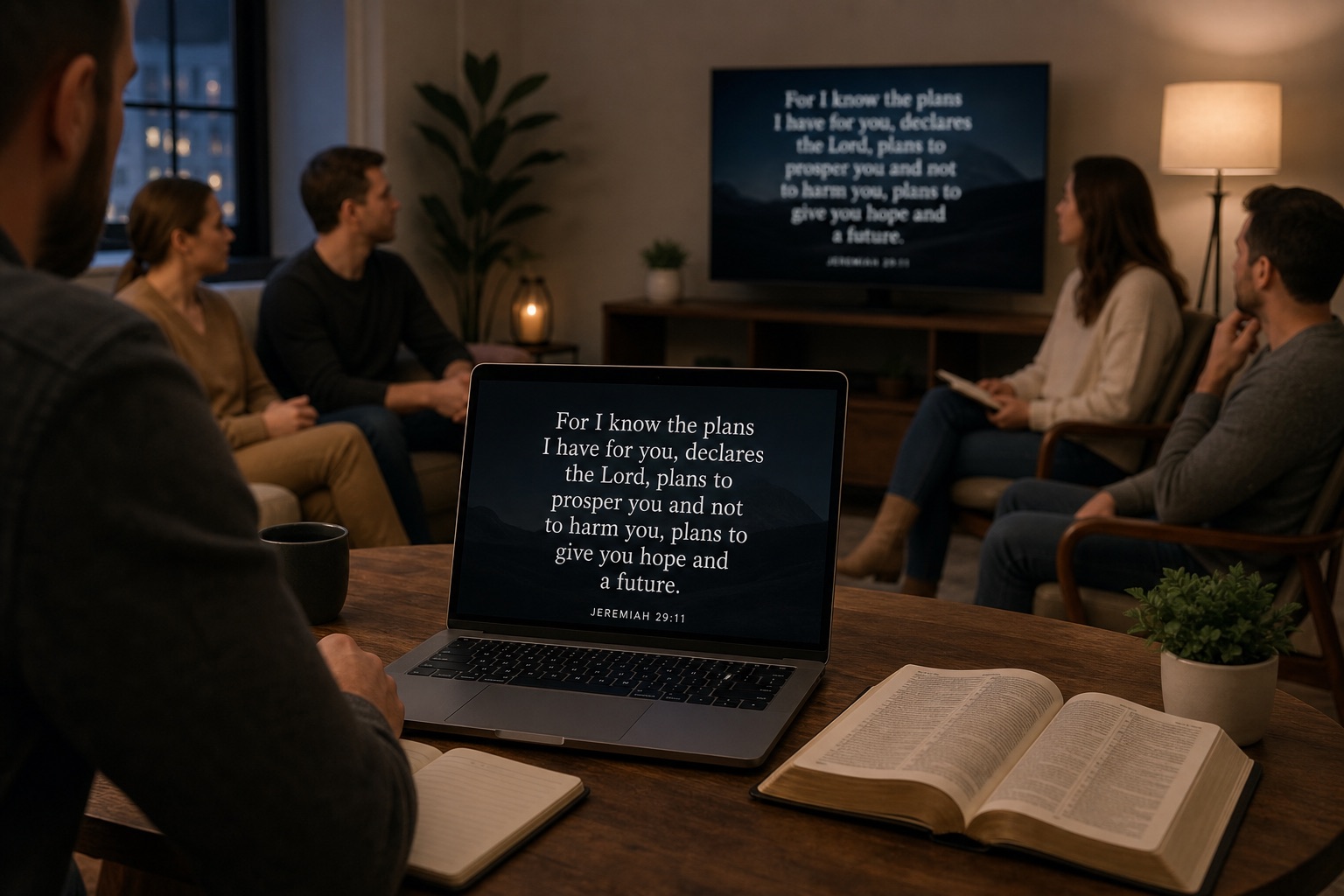
How to project Scripture on a Zoom call (without the fuzzy text problem)
A practical church-tech workflow for readable Bible text on Zoom: resolution, contrast, and slide tools that keep small groups focused on the passage.
The real problem isn’t “Bible software”—it’s legibility
Most Scripture projection issues on Zoom come from low effective resolution and low contrast. If people lean in to read verse numbers, you’ve already lost the room.
Start with the basics
- Share a dedicated window or slide surface, not your whole desktop
- Use large type and generous line spacing
- Prefer a simple background behind Bible text
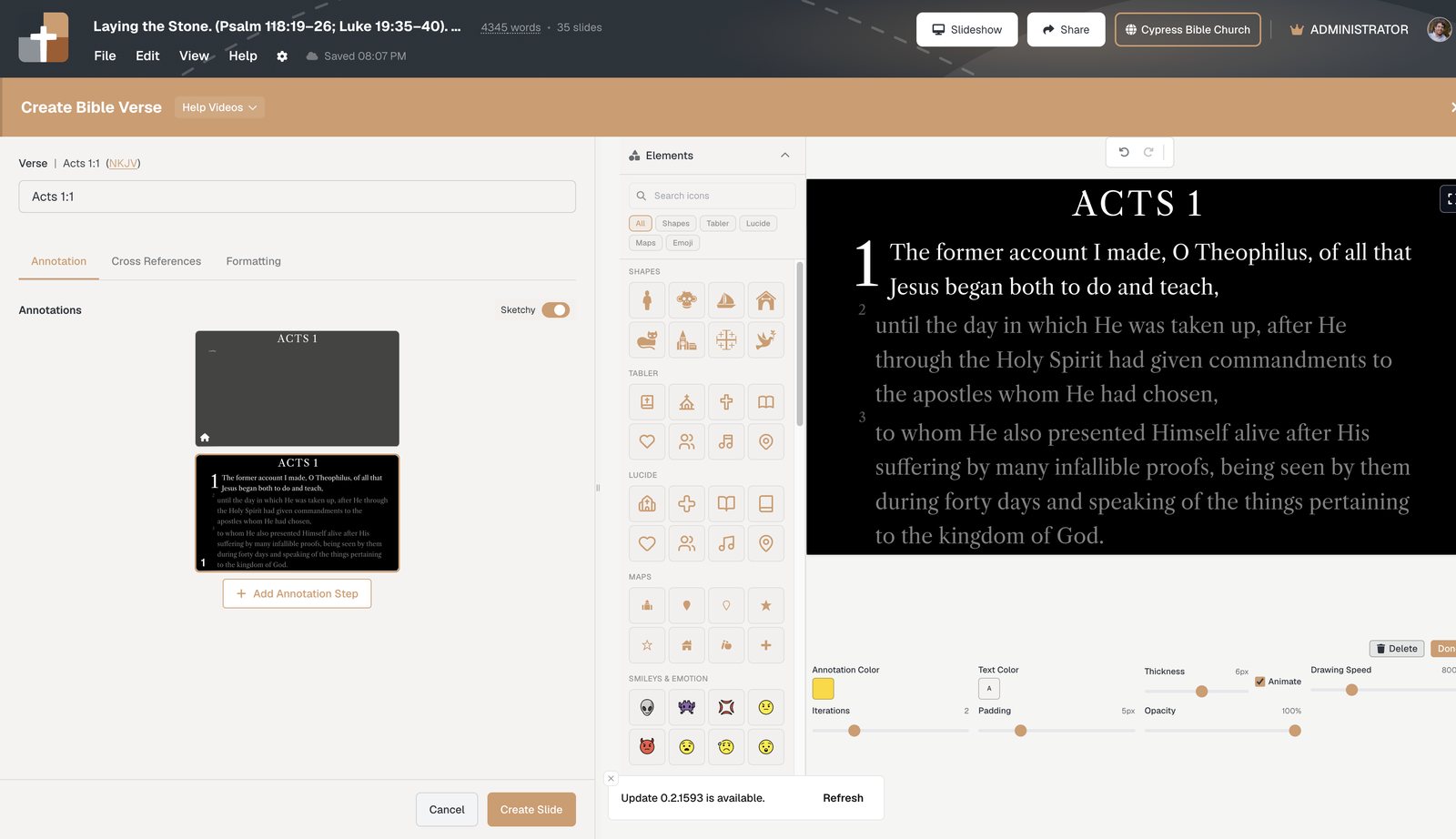
Why verse-by-verse builds help on video
When you reveal text gradually, you give viewers a single focal point — especially helpful on phones and uneven bandwidth.
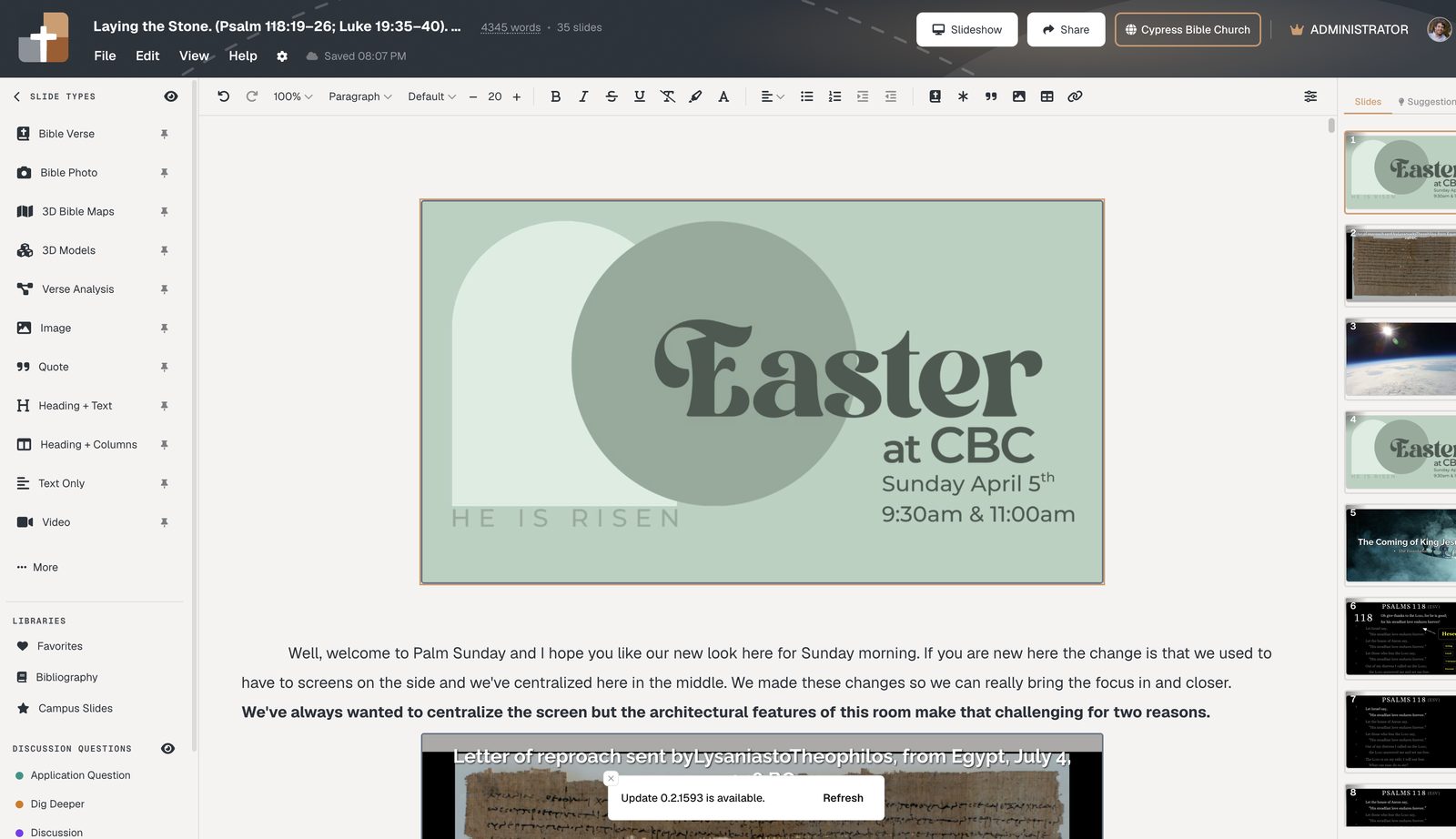
In BibleSlides, that happens on the Annotation tab: each teaching beat is a step you advance, not a freehand draw mid-call.
Happy path with BibleSlides
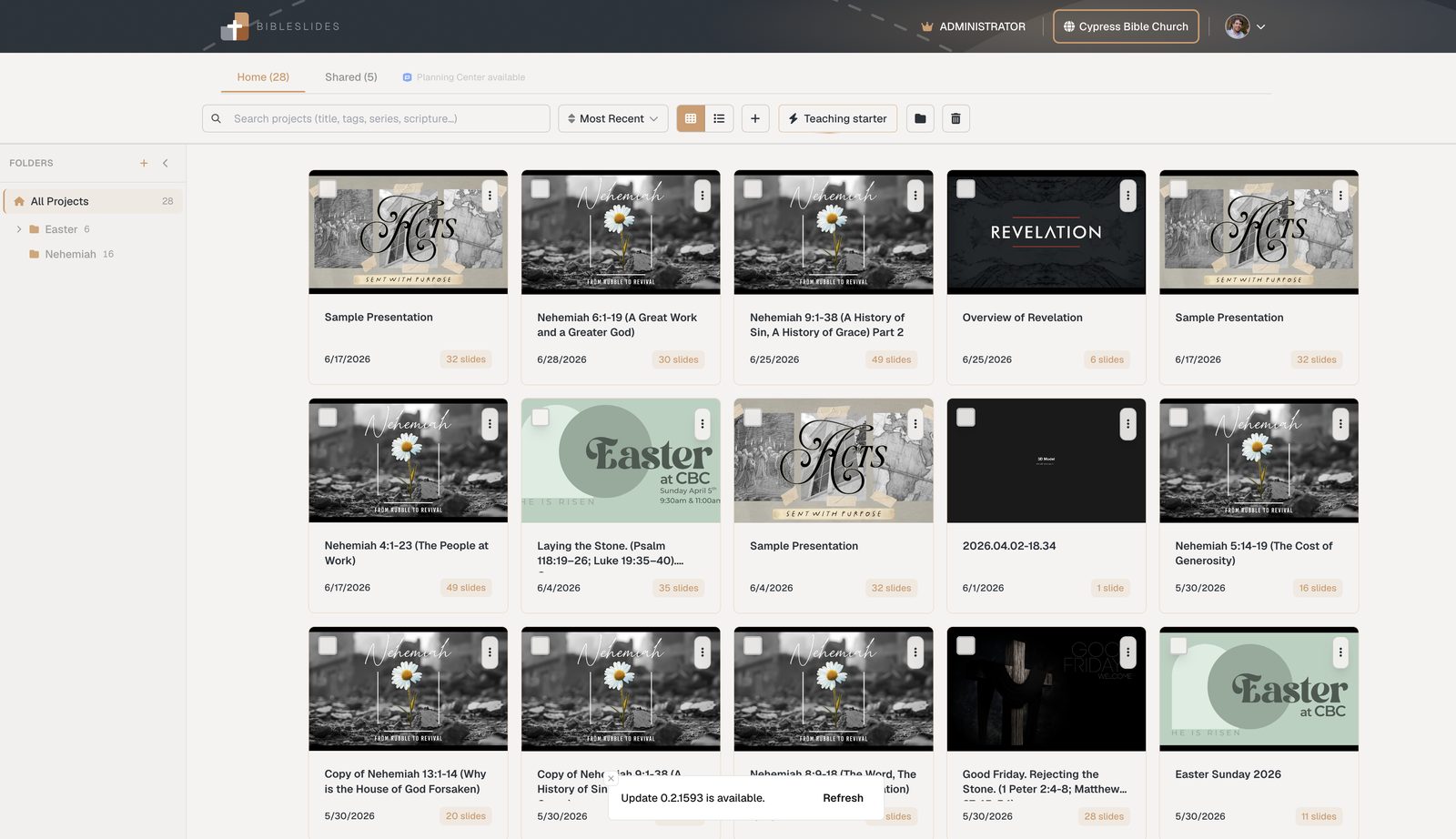
- Open the deck from Projects (cloud — always the current version)
- Start Slideshow and share that window in Zoom
- Advance annotation steps as you teach — one focus point per click
Zoom settings that matter
- Share the slideshow / browser window, not the entire desktop
- For static Scripture slides, leave “Optimize for video clip” off
- Test at 50% Zoom preview size
- Keep one person advancing slides
Next steps
- Standardize a minimum font size for Scripture slides
- Build next week’s passage as a Bible Verse slide with one annotation
More for church teams
Articles, templates, and guides for Bible teaching and presentation.
Back to Resources