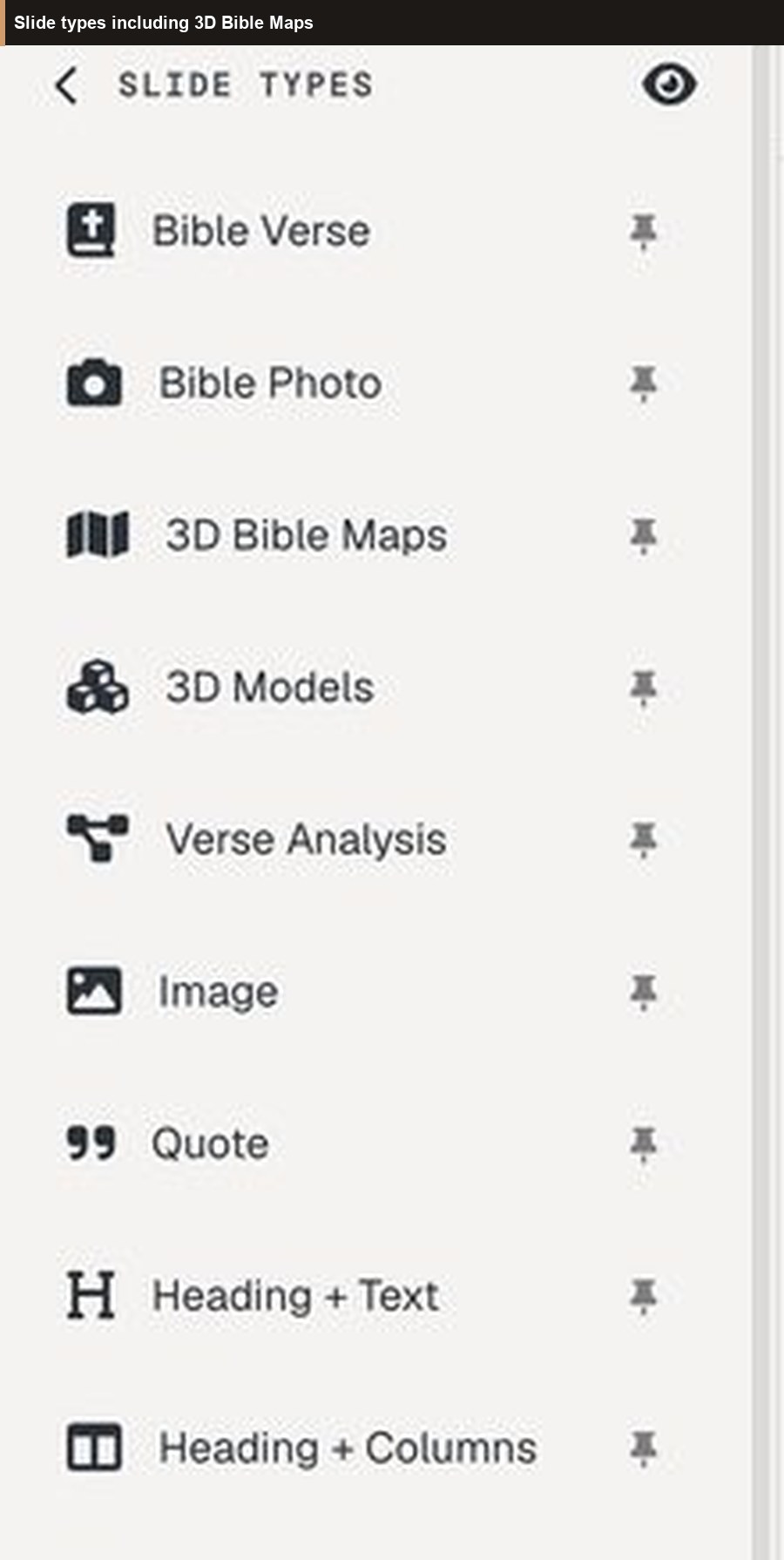
Church presentation software built for Bible teaching — not title slides
What church presentation software should do when the job is Scripture: verse-by-verse slides, timed annotations, tablet stage control, practice mode, and QR follow-along — without rebuilding PowerPoint every week.
Most “church presentation software” is built for song lyrics, announcements, and a countdown. That stack is fine for worship flow. It is a poor fit when the teaching moment is a passage of Scripture that must stay readable, timed, and tied to the pastor’s notes.
BibleSlides is church presentation software for Bible teachers — pastors, campus teachers, and small-group leaders who need verse slides, maps, and stage control inside one sermon document.
If your deck could belong to any conference with the Bible verses swapped out, it isn’t teaching software. It’s a generic slide tool with a church logo.
What church presentation software should solve for teaching
Pastors and media teams usually juggle three jobs:
- Prep — manuscript and deck stay in sync
- Stage — advance the right reveal without fumbling ink tools
- Room — people in the back (and on phones) can still follow the text
Generic tools force you to solve those with Word + PowerPoint + a clicker + a USB stick. BibleSlides puts them in one cloud project.
Scripture-first slides (not pasted text boxes)
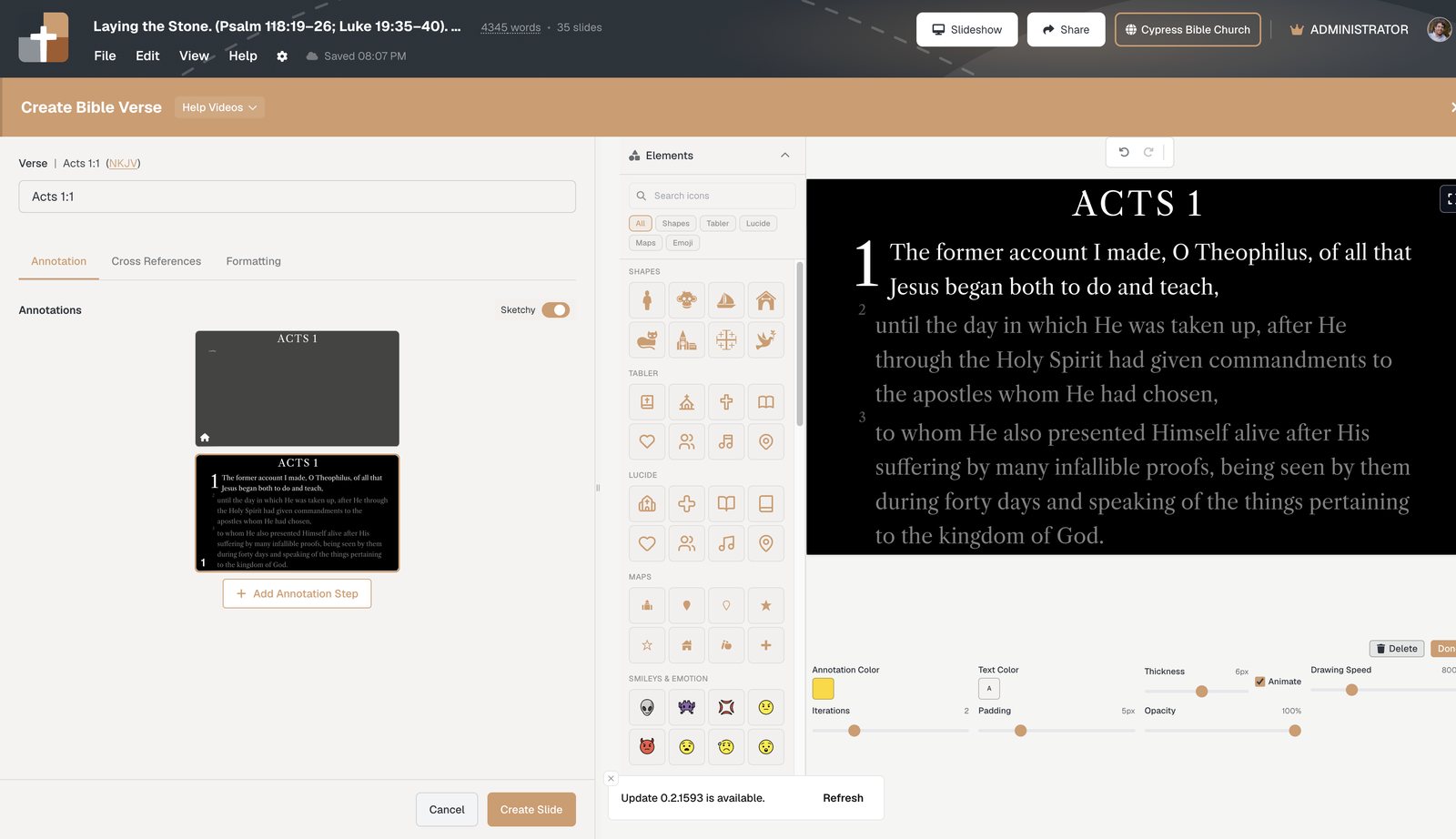
Bible Verse slides pull the passage from a reference and translation (via API.Bible — NKJV, NASB, CSB, KJV, NLT, and more). You dim surrounding verses, highlight the line you’re on, and step through the passage the way you’ll preach it.
That is different from pasting John 3:16 into a text box and hoping the font size still works on the sanctuary projector.
Timed teaching beats, not freehand ink
Stepped markup and annotation live on the verse slide: highlights, boxes, labels, and arrows in sermon order. You design the reveal while studying; Sunday is advance-and-teach, not redraw-and-hope.
One document: notes + slides
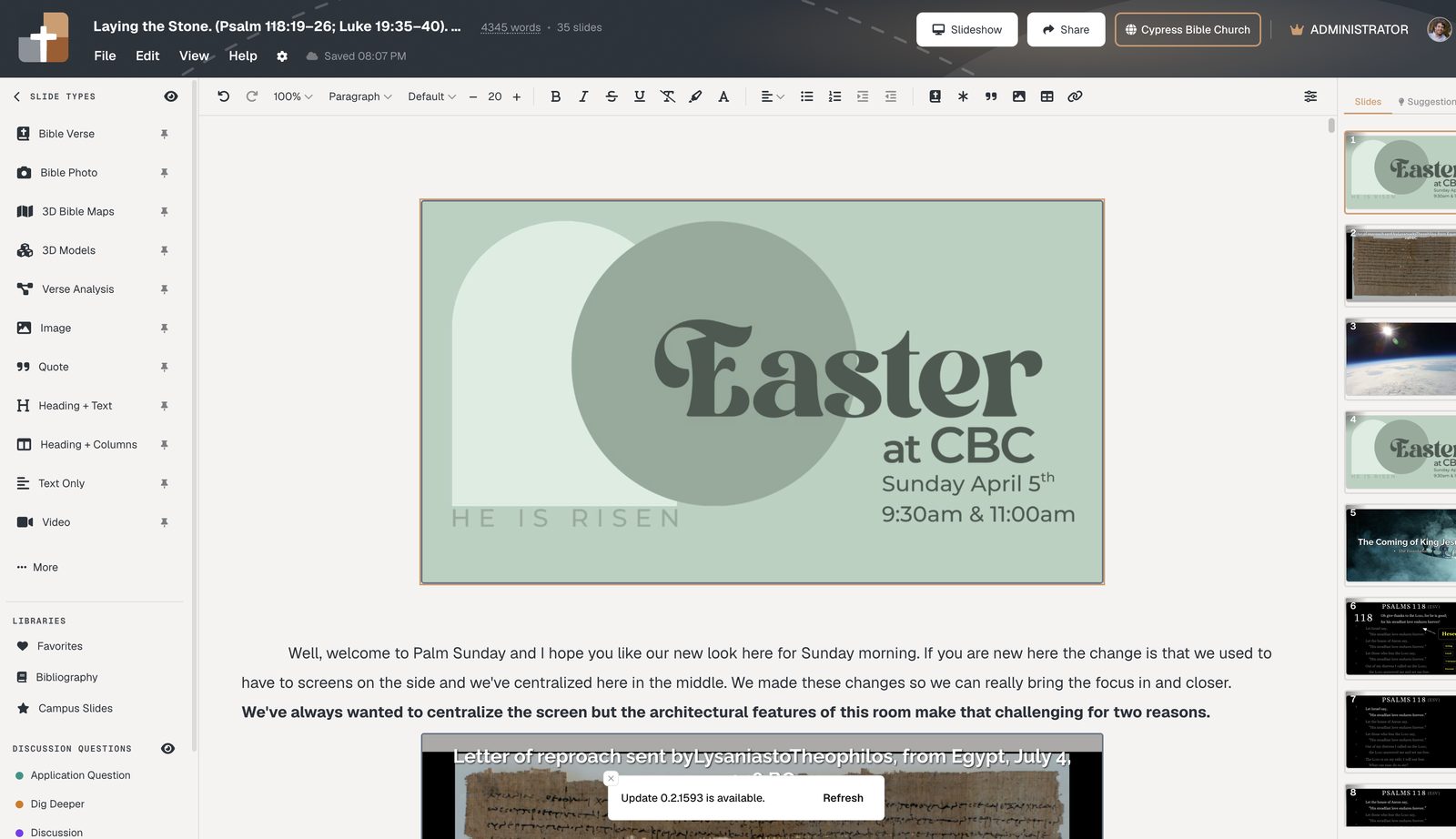
Sermon notes sit in the same scrolling document as the slides. Move a section and the verse slide moves with it. Open the project on the media laptop or tablet — it’s the same cloud version, not last week’s USB copy.
Stage control built for the platform
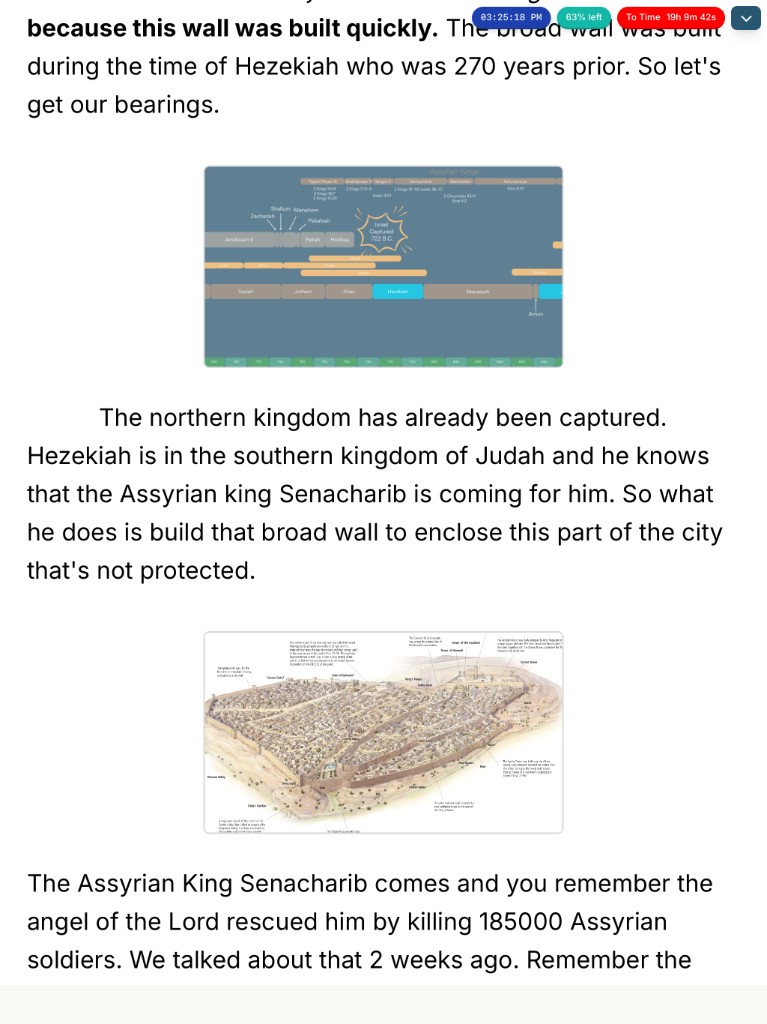
Native iPad and Android tablet apps advance the house screen while you keep notes and step chips at arm’s length. Practice mode lets you rehearse projector + tablet side-by-side before people arrive. Audience follow-along puts a QR on the projector so phones track the live slide — no church app, no sign-in.
How this compares to “church presentation” defaults
| Need on Sunday | Lyric / announcement software | BibleSlides |
|---|---|---|
| Verse-by-verse focus | Paste into a text slide | Native Bible Verse slides + translations |
| Reveal a phrase mid-point | Pen tool or duplicate slides | Stepped annotations on the verse |
| Notes match the deck | Separate Word file | Notes interleaved with slides |
| Latest deck at the booth | USB / email / AirDrop | Cloud project — open and go |
| Hard-of-hearing / back row | Squint at the screen | QR follow-along on phones |
Who should use BibleSlides as church presentation software
- Pastors who teach from a passage, not a title slide and three bullet points
- Churches that already have ProPresenter (or similar) for worship and want a teaching deck that isn’t bolted onto lyric software
- Bible teachers who prep midweek and present from a tablet on Sunday
Start a teaching deck this week
- Create a project at Projects
- Insert Bible Verse slides where the congregation should see Scripture
- Add annotation steps for the phrases you’ll emphasize
- Rehearse once in practice mode, then present from the tablet or booth laptop
Related guides
More for church teams
Articles, templates, and guides for Bible teaching and presentation.
Back to Resources